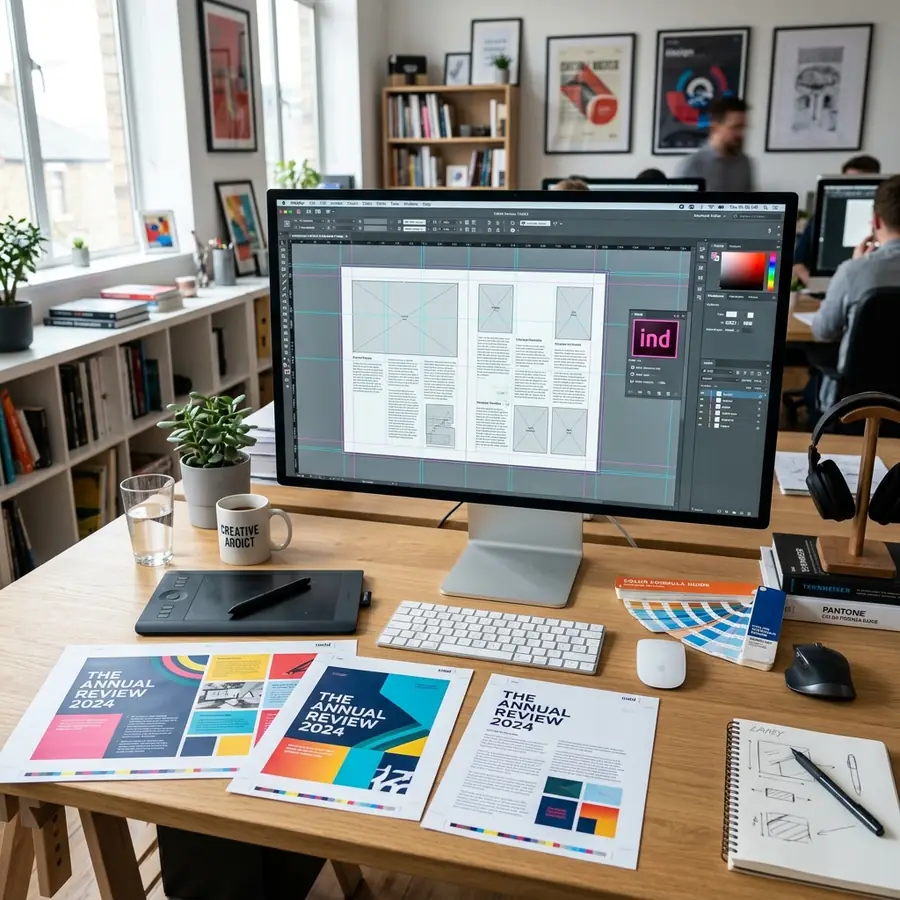
Upscaling a low-resolution file to a larger layout leads to blurry, pixelated results. To get premium, crystal-clear physical prints, it is essential to format aspect ratios and resolution targets correctly. Here is our expert guide on formatting document files for standard A4 and large A3 printing.
Understanding Sizing and Ratios
Both A4 and A3 paper formats follow the ISO 216 standard, utilizing a 1:√2 aspect ratio (1.414). This means an A4 sheet (210 x 297 mm) can scale up to an A3 sheet (297 x 420 mm) without cropping your margins. To preserve clarity, keep your source file resolution at 300 DPI (Dots Per Inch) and save files as PDFs to lock vector fonts and margins.
A3 vs A4 Pricing Tiers
Upgrading to high-quality color prints or larger A3 layouts is highly affordable and provides maximum visual impact for posters, presentations, and portfolios:
- A4 Black and White: £0.20 per side
- A4 Colour: £1.00 per side (premium visual enhancement)
- A3 Black and White: £1.00 per side
- A3 Colour: £3.00 per side (ideal for CAD drawings, blueprints, and posters)
Need CAD or Poster Prints?
We offer professional A3 and A4 colour printing. Walk in with your PDF or email it to us.
Email Files